Optical Transceiver Guide
SFP28 Optics Overview: 25G SFP28 Transceiver Types and Uses
A plain-language overview of 25G SFP28 transceiver types — SR, LR, ER, DAC and AOC — and what to check before ordering for a rural ISP or cooperative network.
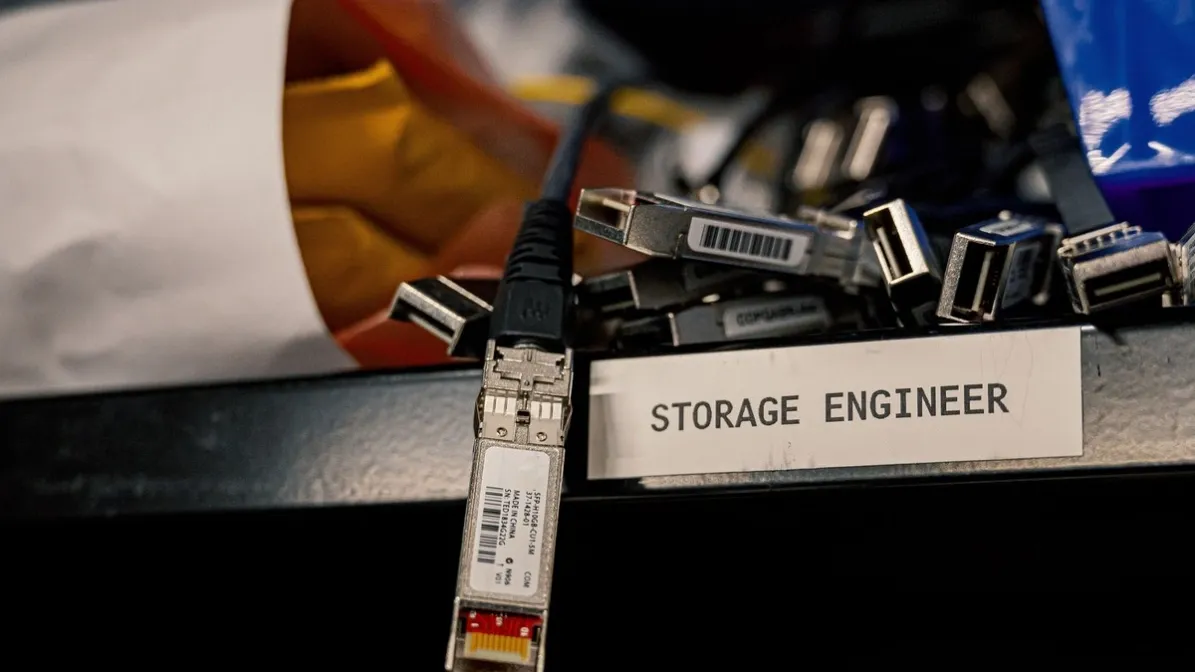
A 25G SFP28 transceiver is a small, hot-pluggable optical module that turns one 25 Gigabit Ethernet port into a fiber link. For a rural ISP or electric cooperative, it is the practical way to move an aggregation or backhaul link from 10G to 25G without replacing the switch: the module fits the same SFP-style cage, and the right type depends on the fiber you already have, the distance between sites, and whether the host port is set for 25G. Confirm the exact reach, wavelength, and host compatibility for the module you buy against its datasheet and the supplier before ordering.
What Is a 25G SFP28 Transceiver?
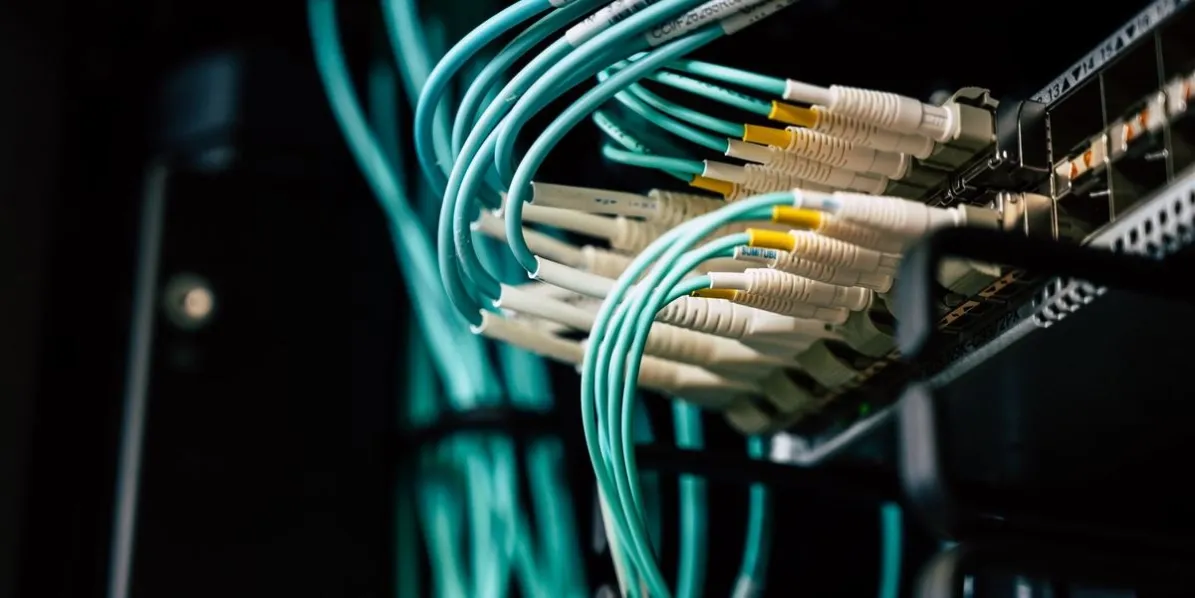
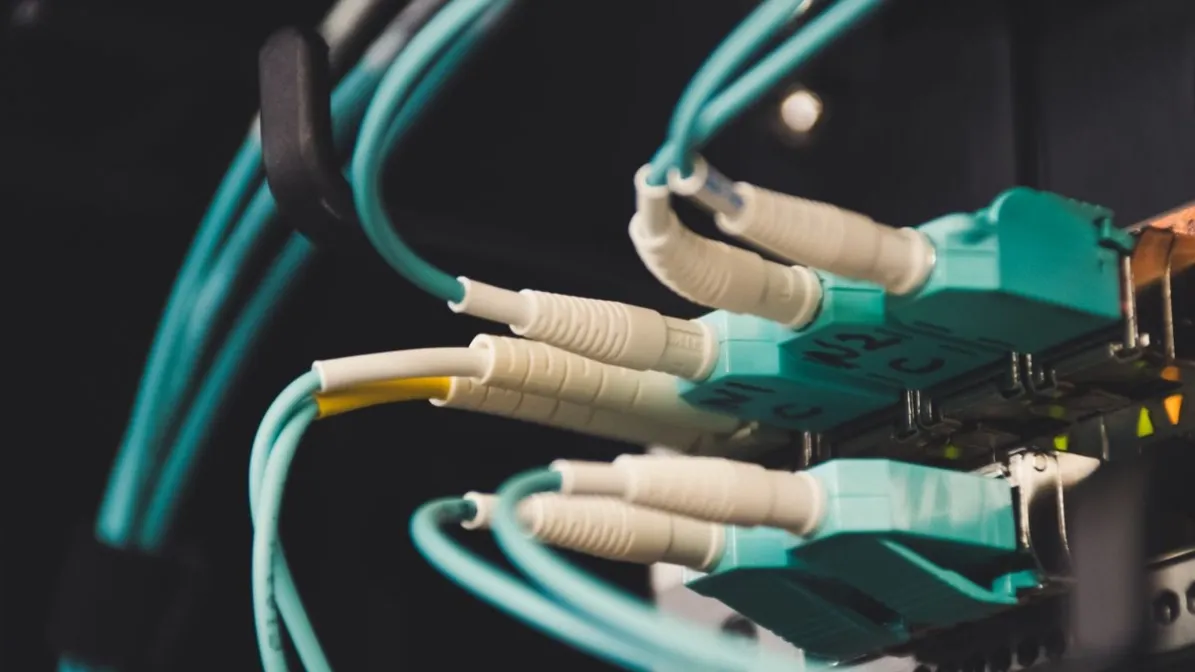
An SFP28 transceiver is a compact optical module built for one 25 Gigabit Ethernet (25GbE) lane. It uses the same physical size and cage as the older SFP+ module, so a switch port designed for SFP28 can usually also accept SFP+ modules at 10G — but the port, the module, and the fiber all have to agree before the link will come up at 25G. The module converts electrical signals from the switch into light for the fiber, and light back into electrical signals on receive. Most SFP28 optics use a duplex LC connector, and the type of module decides the fiber type, the wavelength, and the distance the link can cover.
Why Would a Rural ISP or Electric Cooperative Move to 25G SFP28?
The problem is usually an uplink that has run out of headroom. A 10G aggregation or backhaul link that was comfortable a few years ago starts to saturate at busy hours, and adding another 10G link means more ports, more fiber, and more to manage. Moving that link to 25G raises the capacity of a single port and a single fiber pair from 10G to 25G, and it often reuses the same switch, the same fiber plant, and the same SFP-style cage. That makes 25G a practical middle step: more headroom now, without the cost and disruption of replacing the platform or moving to a larger form factor. As with any upgrade, confirm the switch actually supports 25G on the ports you plan to use, and that the module is coded for that host, before ordering.
What SFP28 Transceiver Types Are There?
Most 25G SFP28 optics you will meet fall into a small set of types. The type decides the fiber, the connector, and the kind of link it suits. Exact reach, wavelength, power, and temperature range vary by module, so confirm them against the module datasheet and the supplier before ordering.
Can an SFP28 Port Use SFP+ Optics?
Often, yes — in the other direction. Many SFP28 ports can run a 10G SFP+ module when the host supports 10G mode on that port, because the two modules share the same size and connector. It is not guaranteed: the switch model, the port configuration, and the firmware decide whether 10G mode is available, and some ports only run at 25G. The reverse does not work at full speed: a 25G SFP28 module in an SFP+ port cannot run at 25G, because the port itself is a 10G port. Before mixing the two, confirm the port speed and mode in the host manual, and confirm the module is coded for that host.
How Do You Choose the Right SFP28 Module?
Type | Fiber and connector | Typical use |
|---|---|---|
SR | Multimode fiber, duplex LC | Short links inside a building or data hall |
LR | Single-mode fiber, duplex LC | Links between buildings or sites |
ER | Single-mode fiber, duplex LC | Longer single-mode spans; confirm the reach against the datasheet |
DAC | Twinax copper cable, SFP28 connectors | Short links inside a rack or between adjacent racks |
AOC | Fiber cable assembly, SFP28 connectors | Short links within a row where a fixed cable is acceptable |
Exact reach, wavelength, power draw, and temperature range vary by module, so confirm them against the module datasheet and the supplier before ordering.
Work through five checks before you order. First, confirm the port: is it an SFP28 port, and is it set or configurable for 25G? Second, confirm the fiber: multimode or single-mode, and the connector the installed plant uses. Third, confirm the distance and loss budget: measure or estimate the span, count the connectors and splices, and check the loss budget against the module datasheet. Fourth, confirm host compatibility: the exact switch or router model and firmware, and whether the module needs vendor-specific coding. Fifth, confirm power and temperature: the module's power draw and the temperature range of the site, especially in unconditioned cabinets. Two common mistakes cause most failed SFP28 orders: ordering by speed alone, and assuming any SFP28 module works in any SFP28 port.
Frequently Asked Questions
Can a 25G SFP28 module run at 10G?
Often, yes, when the host port supports 10G mode. The module and the port have to agree on the speed, so confirm the port mode in the host manual before ordering a module for a 10G link.
Is SFP28 the same as SFP+?
No. They share the same size and cage, but SFP28 is built for 25G and SFP+ for 10G. A 25G SFP28 module will not run at 25G in an SFP+ port, and an SFP+ module in an SFP28 port only runs at 10G if the host supports that mode.
What fiber does an SFP28 SR module need?
Multimode fiber with a duplex LC connector. The fiber grade and the maximum reach depend on the module, so confirm them against the module datasheet before ordering.
What fiber does an SFP28 LR module need?
Single-mode fiber with a duplex LC connector. Confirm the reach, wavelength, and loss budget for your span against the module datasheet and the supplier.
Can I use a DAC instead of an SFP28 optic?
For short links inside a rack or between adjacent racks, a direct attach copper cable is often the simpler option. Confirm the cable length, the host's support for DACs on that port, and the module coding before ordering.
What should I check if a 25G SFP28 link will not come up?
Check the port speed and mode first, then the fiber type and that the connectors are clean and fully seated. Then check the loss budget against the datasheet, and confirm the module is coded for the host. If the link still will not come up, swap in a known-good module or cable to isolate the fault.
Next Step
If you are planning a 25G upgrade or replacing SFP28 optics, start with the port type, the fiber type, and the distance. Contact us and send your platform, distance and quantity to check options before ordering.
— Jenny